
Excel in Production Engineering
Premium Workshop
For PEA Members Only


Most production engineering calculations don't need expensive software — they need Excel used well. This live 2-hour beginner workshop shows you how to build the core tools of well performance analysis directly in a spreadsheet. You'll create working models for inflow performance, nodal analysis, and decline curves from scratch, using nothing but Microsoft Excel — so you understand what's happening under the hood instead of treating commercial software as a black box.
Workshop Objectives
By the end of this workshop, you will be able to:
Build Inflow Performance Relationship (IPR) curves and understand what drives well deliverability
Set up nodal analysis to find a well's operating point and diagnose performance
Run decline curve analysis to forecast production and estimate recoverable reserves
Turn raw well data into clean, decision-ready charts and models in Excel
About the Presenter
Mostafa Keihani is a Production Engineer at Dana Energy, where he has spent the past four years across production engineering and field operations, including work as a Cementing and Stimulation Field Engineer. That mix gives him a practical, field-grounded view of well performance — not just the theory, but how it plays out on real wells.
He holds engineering degrees from Sharif University of Technology and Amirkabir University of Technology, and is the author and co-author of several peer-reviewed publications. His technical focus spans production optimization, enhanced oil recovery, well stimulation, and carbon capture (CCUS). He brings both hands-on field experience and a strong analytical background to this workshop, built for engineers who want to actually use what they learn.
Register Now
View More








Premium Workshop
For PEA Members Only
Data Science and Applied Machine Learning for Reservoir & Production Engineering
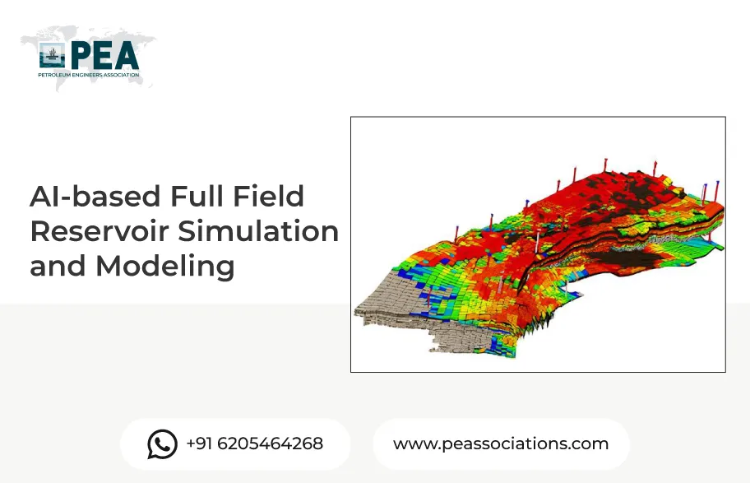
Data Science and Applied Machine Learning for Reservoir & Production Engineering is a practical workshop designed to help petroleum professionals use data-driven methods to solve real engineering problems. The workshop focuses on how machine learning and data science can be applied to reservoir characterization, production forecasting, well performance analysis, and workflow automation in upstream operations.The workshop is built around industry-relevant use cases, with an emphasis on turning engineering data into actionable insight. Participants will learn how data science techniques can support faster analysis, improve prediction quality, and enhance decision-making in reservoir and production engineering workflows.All content in this session is copyrighted by Mr. Nashat. Access to recordings, slides, and the Excel workbook is provided exclusively through this platform. Any unauthorized use, reproduction, or distribution outside the portal is strictly prohibited and may result in legal action under applicable laws.Recordings, data sets, and certificates will be provided within one business day after the event is completed.